Releases
We've expanded the information available within Issues and made several UI improvements to make investigation and resolution easier.

See exactly who is impacted
In addition to linking every Issue to the relevant employee, Issues will now identify the specific impacted member and their type (employee, spouse, child, domestic partner, etc.) whenever possible.
Sometimes the details provided by a carrier aren't sufficient to confidently identify the impacted member. When this happens, we'll surface the most precise information available.
Additionally, when we can identify the impacted member but no matching record exists in Noyo, we'll surface that to the ben-admin's attention.

Get a clear timeline
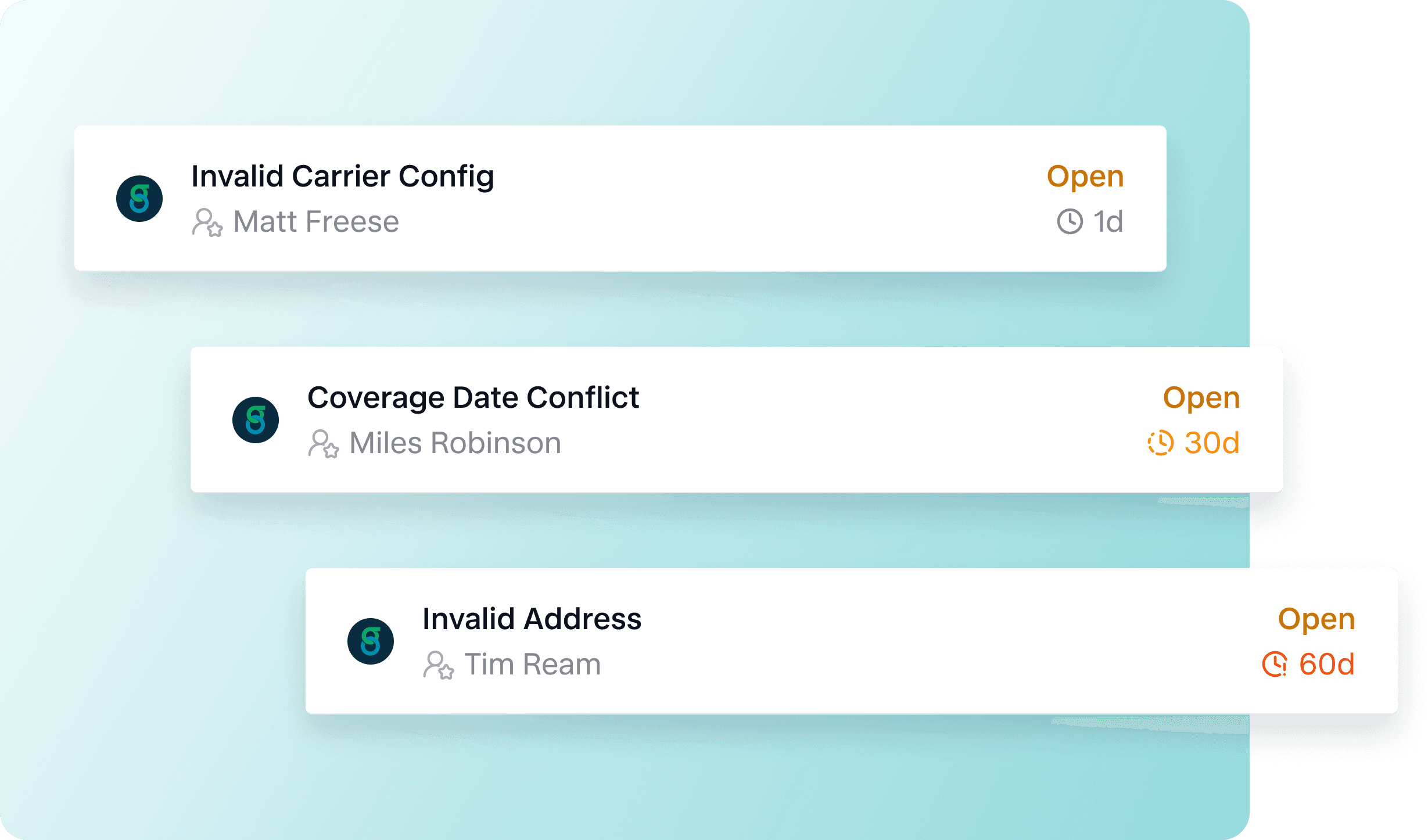
Issues now include additional dates to help users understand when a problem was first observed, how recently it occurred, and how long it's been open.
Issues will now display:
Created: When the Issue was created in Noyo
Age: How much time has passed since creation
Last Seen: The most recent occurrence observed by Noyo
For Issues created from EDI error reports, the original date of the error report may be different from when the report is uploaded into Noyo and processed into Issues. When this is the case, we'll show:
First Reported: The publish date of the first error report where the Issue was detected.
Last Reported: The publish date of the most recent error report where the Issue was detected.
Finally, as an Issue ages, the visual styling updates to make older Issues easier to identify.
See how an Issue was created
We've expanded Additional Details to provide more insight into the error and source that created an Issue.
Raw error data
When available, we'll surface the original error message received by Noyo, including carrier API error messages, Snapshot Fulfillment Summary errors, and EDI error details.
This offers more context and can be useful when working directly with a carrier or the Noyo team.
Sources
You'll now have visibility into the workflow that discovered the Issue. Here's a breakdown of Issue Sources:
Snapshot Validation: Noyo found an invalid request to a carrier when a Snapshot was submitted to our system.
Carrier API Response: Noyo submitted data to a carrier API and received an error response in return.
Change Confirmation: Noyo checked the carrier's system to verify a change was completed and detected an issue.
EDI Error Report: An EDI error report was uploaded into Noyo and processed into Issues.
Carrier Sync: Noyo discovered an issue while auditing a group's enrollment data against carrier records.
Improved resolution guidance
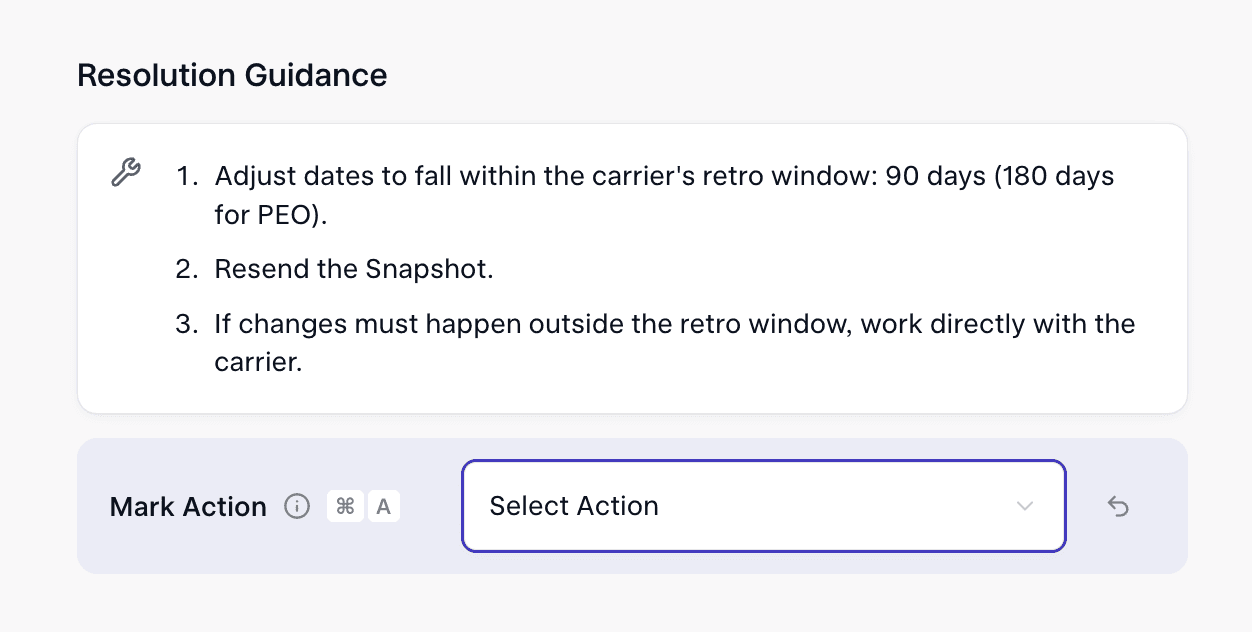
Resolution guidance has been reformatted into concise, step-based instructions to make it easier to move from problem to action.
Faster search and filtering
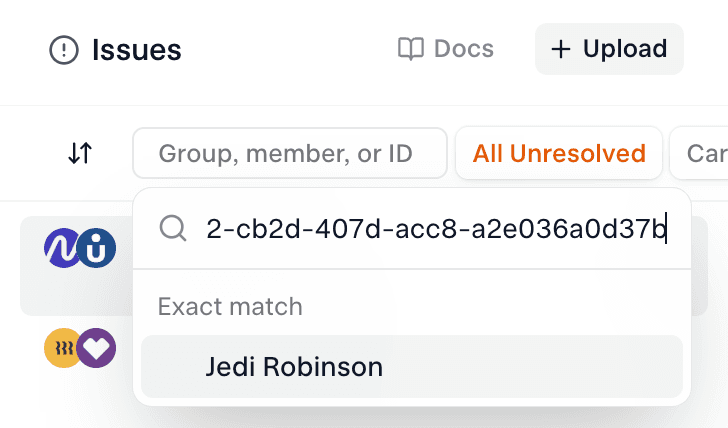
Issues can now be searched and filtered by:
Member name
Group name
Issue ID
Member ID
Group ID
Just copy and paste into the search bar.
Coming soon
We're releasing a new feature that helps users identify the exact invalid or missing data associated with an Issue. Stay tuned!
Want to learn more about modern data reconciliation with Noyo? Reach out for a demo.
If you do benefits, you need Noyo
The future of employee benefits is faster, easier, and more automated. Are you ready?